









Custom Wordle
Word guessing Games like Custom Wordle

Custom Wordle

Custom Wordle

Custom Wordle turns the daily puzzle format into something you control. You choose the secret word, the site builds a private challenge link, and anyone who opens it gets the familiar six guess grid with green, yellow, and gray feedback. It works well for classroom warm ups, group chats, or a quick dare between friends because every round can use a different word length from three to thirteen letters.

There is no account to create and nothing to install. Open the creator, type your word, share the link, and the solver plays in the same browser window you use for other word games on this site. When you land here from the main Wordle tool, the create panel can open automatically so you can start building a puzzle right away.

How to Play Custom Wordle

1
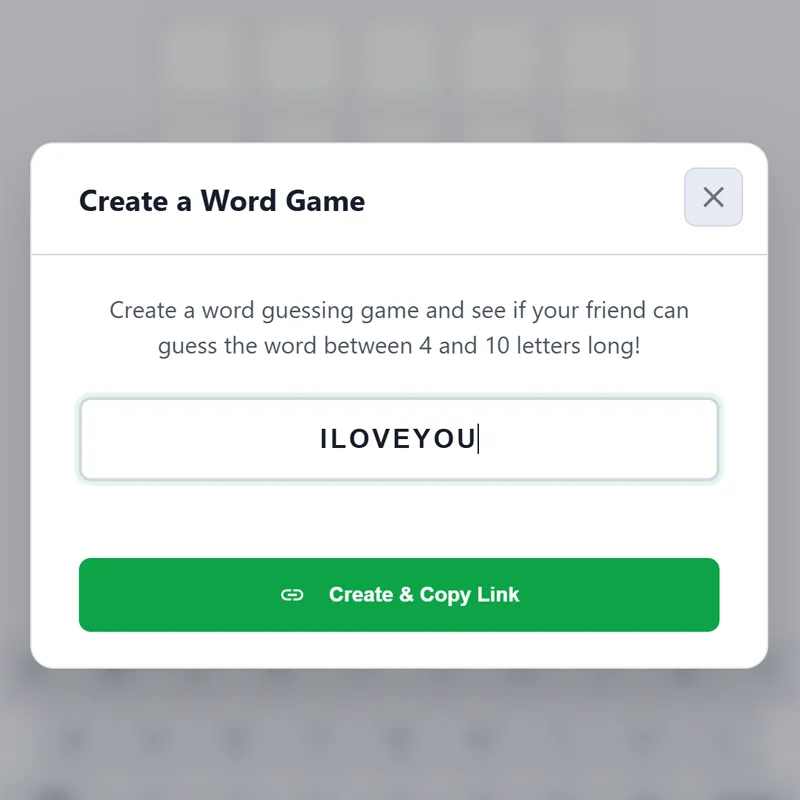
Entering a custom secret word in the Wordle creator

Open the creator and set your secret word

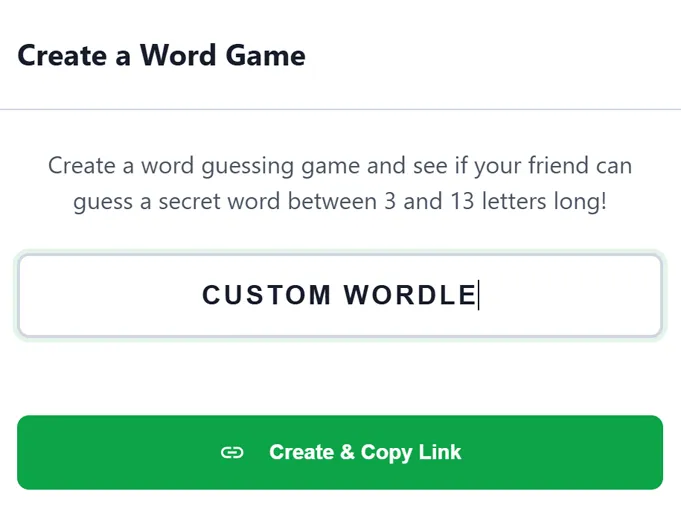
Launch the embedded game and tap the create control at the top of the board. Enter any English word between three and thirteen letters. The tool checks that you used letters only, then prepares a shareable link tied to that exact word.

2
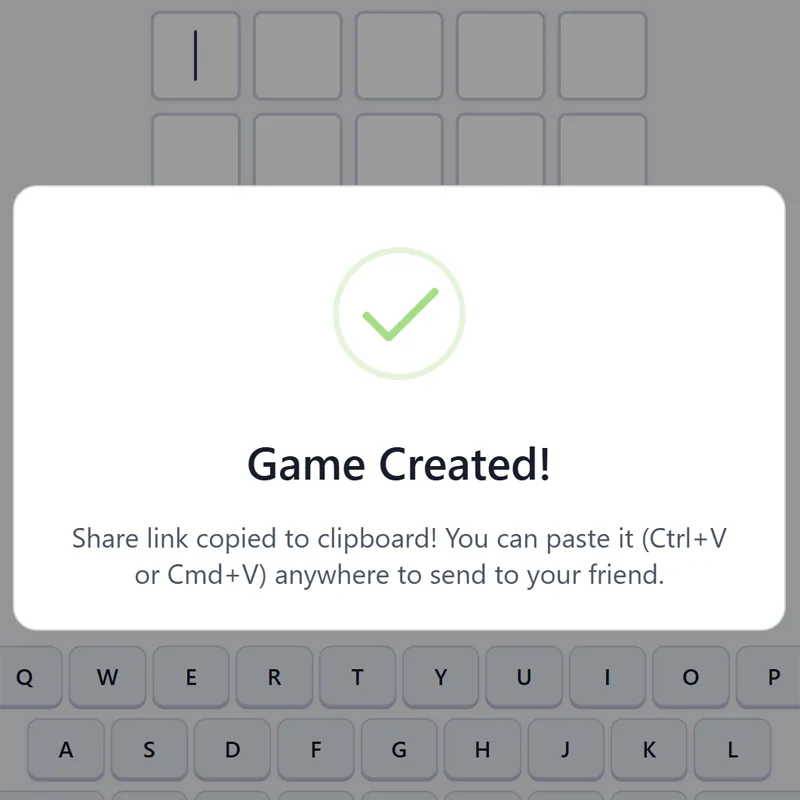
Sharing a custom Wordle puzzle link with friends

Share the challenge link

Copy the link or use your device share sheet to send it. Friends who open the URL see a blank grid sized to your word length. They do not see the answer until they solve it or run out of guesses.

3

Solve using color clues

Guess valid words and read the tile colors after each attempt. Green locks a letter in place, yellow means the letter is in the word but wrong spot, and gray rules it out. Six tries are allowed, matching the classic Wordle rhythm.

How to create your own word guessing game

Building a personal Wordle challenge takes three short steps on Wordles.org. First, open the creator from this page or from the main Wordle Infinite board. Tap the plus style create control in the toolbar. That opens the word entry panel where you type the answer you want someone to guess.

Second, enter a word that fits your group. Classroom hosts often pick vocabulary terms. Friends might choose an inside joke or a name everyone knows. Words between five and seven letters tend to feel the most balanced, but the tool accepts anything from three to thirteen letters if you want a quick mini puzzle or a longer brain teaser.

Third, confirm and share. The site encodes your word into a URL. Send that link by message, email, or social post. Anyone who clicks starts on guess one with an empty grid. They never see your word until they earn it with logic or run out of attempts.

Why color feedback still matters

Custom Wordle uses the same feedback language players already know from the original game. A green tile means the letter is correct and in the right position. Yellow tells you the letter belongs in the word but sits somewhere else. Gray means you can drop that letter from future guesses.

Because every shared puzzle uses your chosen word, the challenge feels personal. A five letter inside reference lands harder than a random dictionary entry. Longer words add space for misleading yellows, while very short words reward tight reasoning early.

Tips for better custom wordle puzzles

Pick words that are fair for your audience. Obscure jargon works for specialists but frustrates casual players. Mix common vowels in the answer when you want solvers to learn quickly from early guesses.

If you want a tougher round, choose words with repeated letters or uncommon consonants. For a lighter round, stick to familiar five or six letter answers. You can also chain several links in a row for a tournament style evening without leaving the browser.

Playing and hosting on any device

The creator and solver both run in the browser, so phones, tablets, and laptops behave the same way. Touch keyboards work for entering guesses, and share sheets on mobile make sending links simple.

Because puzzles are link based, you do not need everyone in the same room. Post the URL to a chat, forum, or learning platform and let people play on their own schedule. When you want a new round, return to the creator, enter another word, and distribute a fresh link in seconds.

FAQs about Custom Wordle

Custom Wordle is a free browser tool that lets you build your own Wordle style puzzle. You pick the answer word, generate a link, and challenge others to find it within six guesses.

Any length from three to thirteen letters is supported. The game board and keyboard adjust automatically so longer words still feel natural to play.

Yes. Creating puzzles and solving shared links are both free. You only need a modern web browser on desktop or mobile.

As many as you want. There is no cap on how many puzzles you can build. Enter a word, share the link, then start a new one with a different answer whenever you like.

No. Unlike the original daily Wordle, Custom Wordle does not reset once per day on the creator side. You can keep making and sharing new challenges at any time.

Yes. Every new puzzle can use its own length between three and thirteen letters. A three letter round for a quick joke and a ten letter round for a harder group game both work from the same creator.