







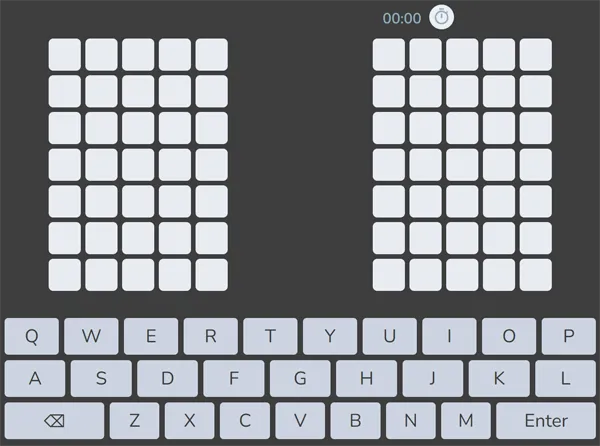
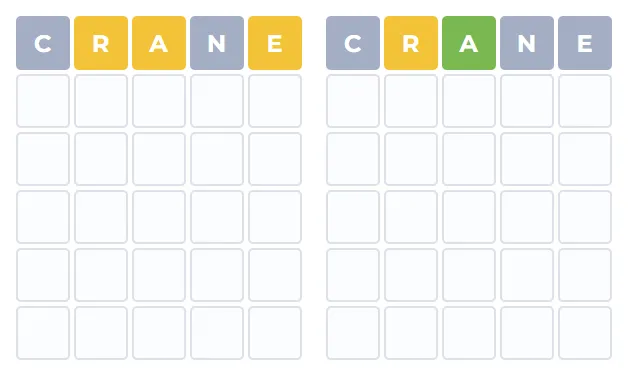
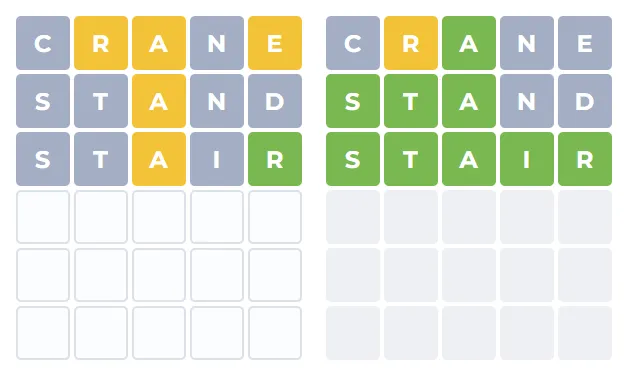
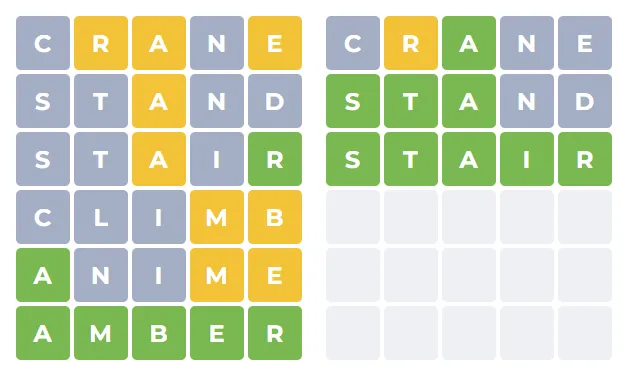
The trick is not memorising new rules—it is managing information. A starter word that clears common consonants on the left board might waste a slot on the right, or vice versa. Strong openers still help: words rich in vowels and frequent letters (think along the lines of audio, crane, or sloth in English) still narrow the space quickly, but you must read the split feedback before committing to a narrow follow-up. When one grid is almost solved, resist burning guesses that only polish that side unless the other grid is also under control.
Because both answers are independent, a letter can be “wrong” for one word and “right” for the other in the same row. That is why Dordle highlights keys on the virtual keyboard separately for each half when the interface supports it: it is the fastest way to see whether E is still in play on the left while already ruled out on the right, for example. Treat each guess as a probe for two mysteries, not two separate Wordle sessions played in parallel with unrelated words.